
Tiny Otter: Fridge Assistant
A tidier fridge. A smarter kitchen.
Lifestyle · Food Management
Not on the App Store yet. Store links appear here at launch.

What it is
Tiny Otter is a friendly fridge organization and food management app designed to help people organize their refrigerators, keep track of ingredients, use food before it expires, and develop better kitchen habits.
With Brownie, an adorable sea otter companion, Tiny Otter makes fridge organization approachable, manageable, and enjoyable.
Screenshots
Real screens from the app.
Set up your fridge Your fridge plan 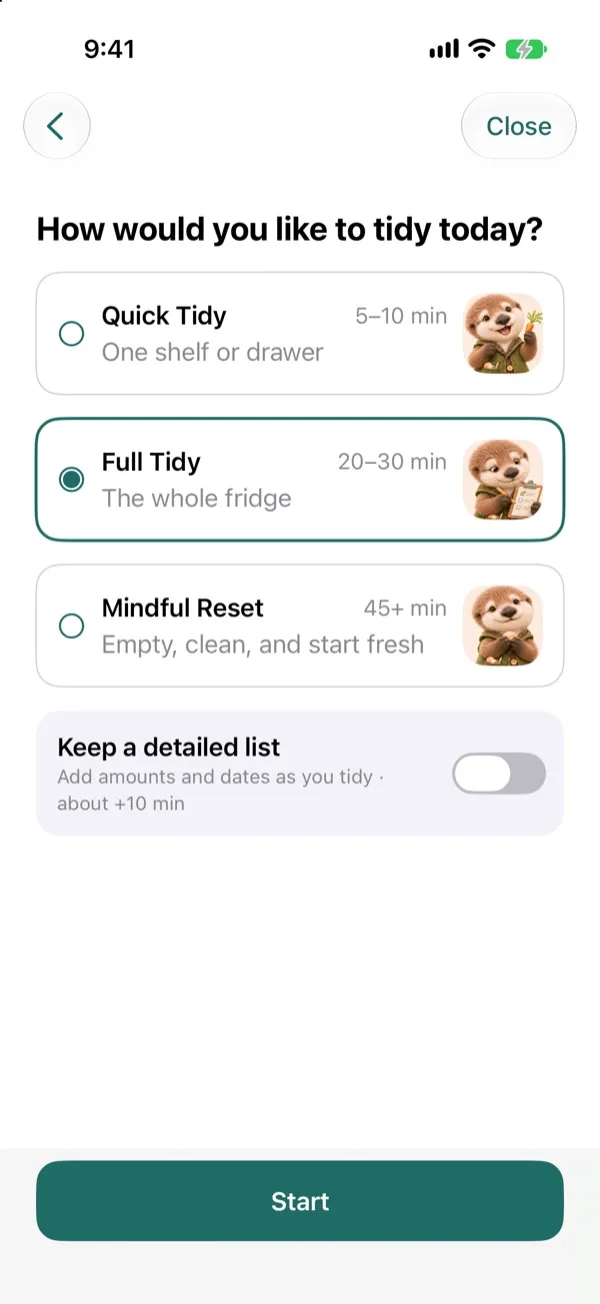
Pick a tidy 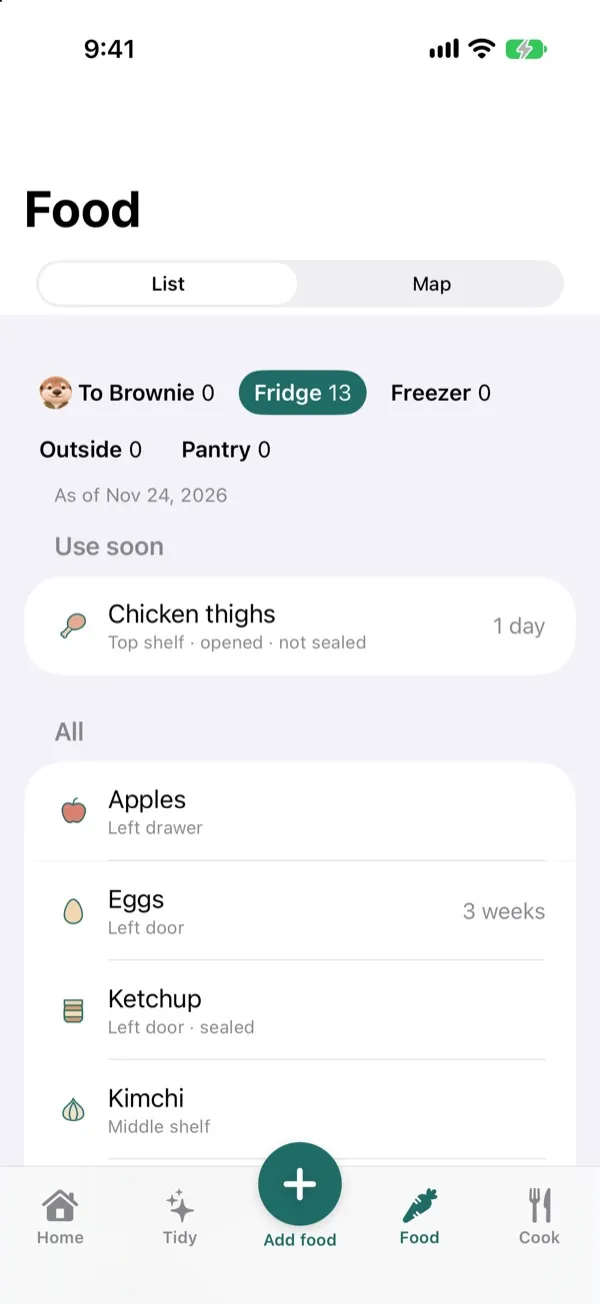
Know what to eat first
How it works
- 1
Tell it about your fridge
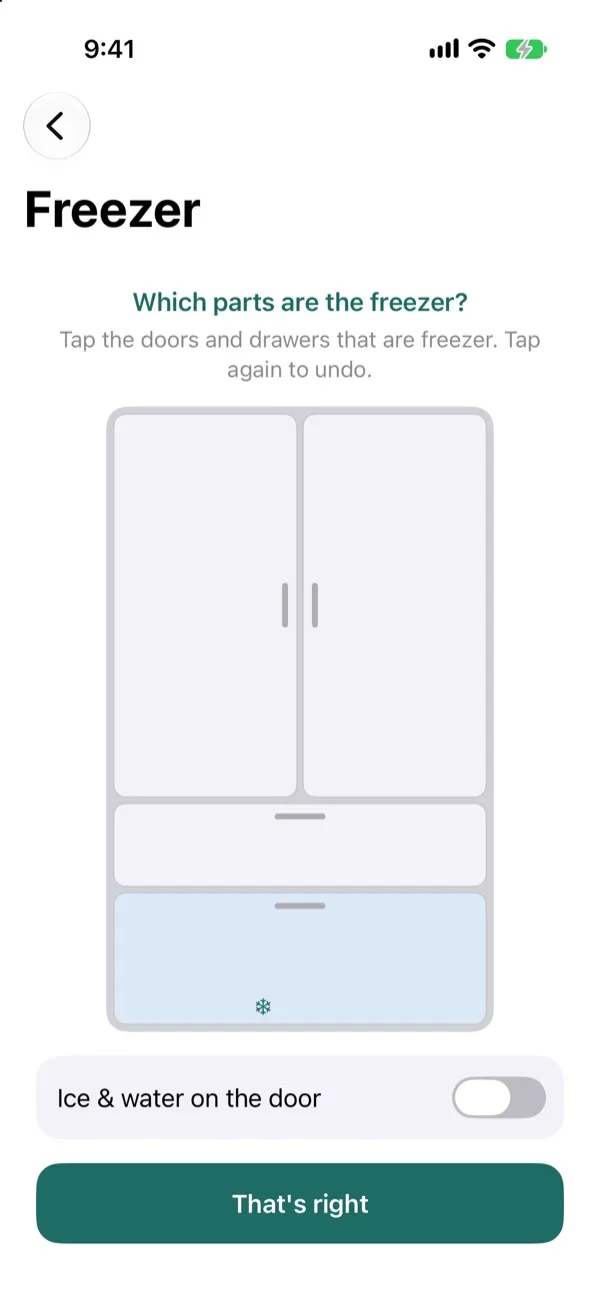
Pick your door style and tap the parts that are the freezer.
- 2
Get a plan you can change
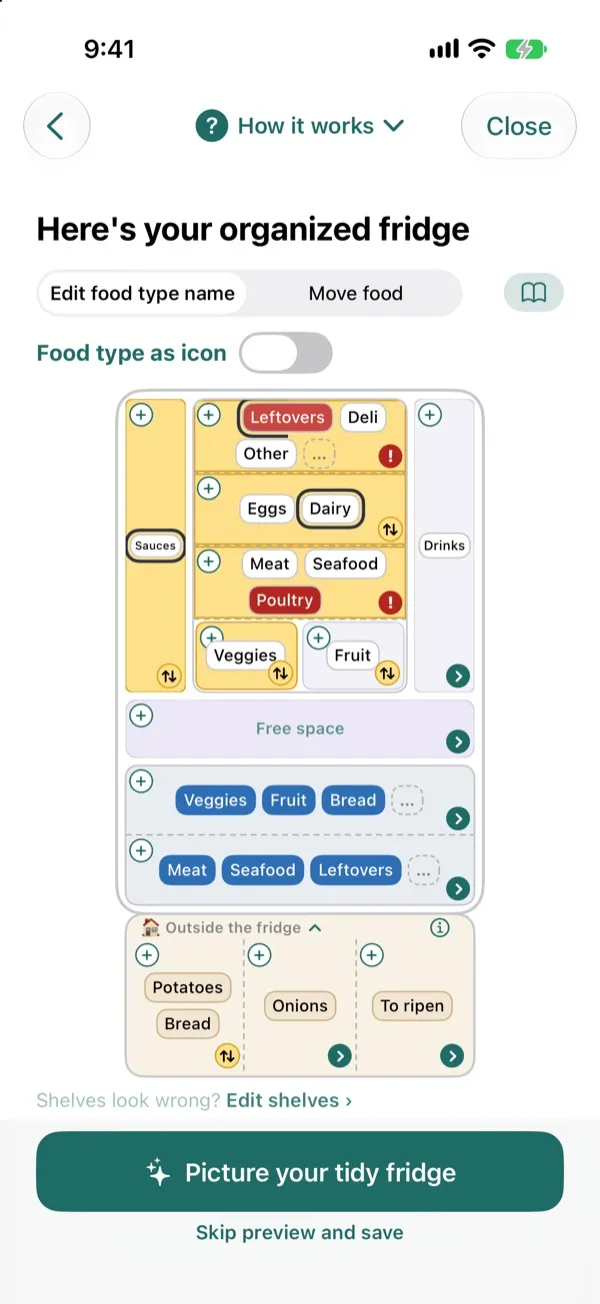
Food types land on a map of your fridge. Move them around; the app checks every change against food-safety rules.
- 3
Tidy step by step
Quick Tidy takes 5–10 minutes for one shelf. Full Tidy does the whole fridge. Mindful Reset empties and cleans it.
In the app today
Features
Personalized fridge plans
A plan for where each kind of food goes, made for your fridge type: eight layouts, and the odd ones too.
Photo-assisted food recognition
Take a photo and the app finds your food to shape the plan. Or skip it and get a general plan.
Interactive fridge and shelf map
Food types sit on a map of your shelves, drawers and doors. Rename, move or hide them.
Food inventory
See every food and where it lives, in the fridge, freezer or outside it.
Use-by date tracking
Dates show what to use soon, so less food goes to waste.
Barcode-assisted entry
Add food by name or by scanning its barcode.
Guided tidying
Quick, Full and Mindful modes, one step per screen. Stop and come back any time.
Food-safety guidance
Placement follows USDA, FDA and FoodSafety.gov advice. The app warns, and never blocks you.
Privacy-conscious design
Photos stay on your phone. No account needed, no ads, no tracking.
Coming later
Being built now. Not in the app yet.
- Cook with what you have
- Left-out timer
- Food notes
- Share a bite with neighbors
- Meals and calories
- Fridge widgets
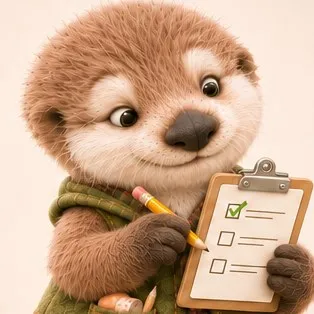
Meet Brownie
“Leave it with me.”
Brownie is a sea otter pup named after the household brownie, a small house spirit from old British stories who quietly tidies up. Brownie is always on your side, is happy about small wins, and never makes you feel bad about the food you throw away.
Food-safety rules from official sources
- Every rule comes from USDA, FDA, FoodSafety.gov or a university extension.
- The AI never has the last word: the app checks every plan against the rules.
- The app warns you. It never blocks you.
Your photos stay yours
- Photos are saved only on your phone.
- A photo leaves your phone only to find the food, and only after you say yes.
- No account needed. No ads. No tracking. We never sell your data.
Questions
Do I need an account?
No. You can use the whole app without signing in.
Do I have to take a photo?
No. You can skip it and use a general plan, and add photos later. You can also pick a photo from your library.
Where do my photos go?
Photos are saved only on your phone. A photo leaves your phone only to find the food, and only after you say yes. The server does not keep it.
Where do the food-safety rules come from?
From USDA, FDA, FoodSafety.gov and university extension programs. These are tips, not medical advice.
When is it coming out?
Tiny Otter is in testing now. It is coming soon to the App Store for iPhone.
Something great starts with an idea.
Have a question about our products, a partnership opportunity, or something interesting you'd like to build? We'd love to hear from you.
Let's Connect